
Best WordPress SEO Plugins in 2026:
If running a WordPress site, probably noticed the SEO plugin landscape has gotten a more crowded — and more capable. Between traditional Google rankings and the rise of AI answer engines like ChatGPT and Perplexity, the job of an SEO plugin is not just “add a meta description” anymore. Here is a rundown of the top contenders in 2026 and how to decide which one fits with the site.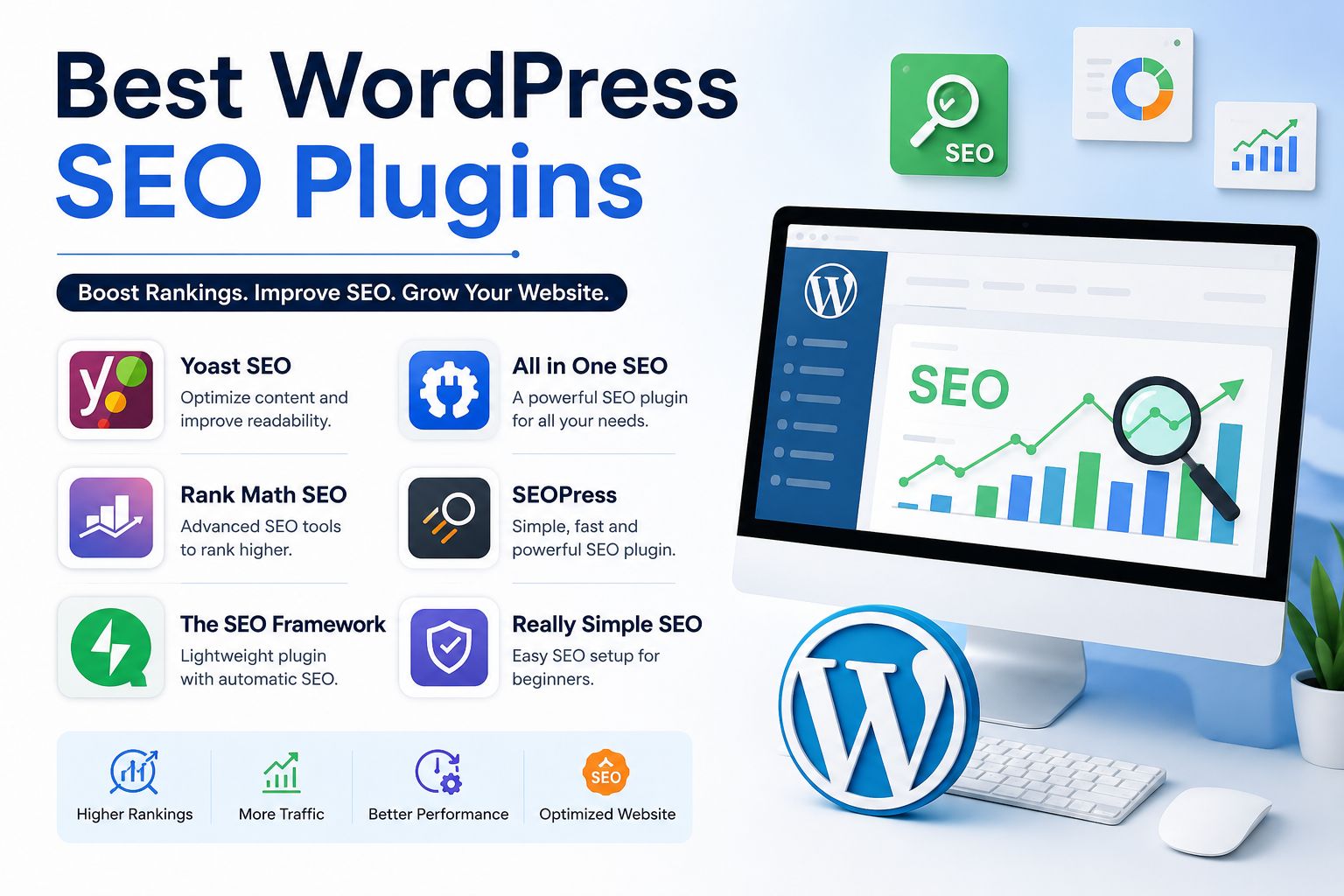
What is Changed in 2026
SEO plugins used to be judged mostly on keyword scoring and meta tag management. That is still part of the picture, but two new pressures have reshaped the category:
- AI search optimization. With AI engines increasingly citing WordPress content directly, plugins that support structured data, entity markup, and citation-ready formatting have become just as important as classic on-page SEO.
- Speed and Core Web Vitals. Search engines continue to weight site performance heavily, so a plugin that adds bloat can undo the SEO gains it’s supposed to deliver.
1. Rank Math — Best for Power Users
Rank Math has become a favorite among site owners who want deep control without installing five separate plugins. It combines on-page SEO, schema markup, redirects, XML sitemaps, and 404 monitoring in a single plugin, reducing the need for multiple SEO tools. If like to update settings and want one dashboard to handle nearly everything, this is a strong pick.
2. Yoast SEO — Best for Guided, Beginner-Friendly SEO:
Yoast is the plugin most WordPress users cut their teeth on. It is a firm favorite with the WordPress community and a tried-and-tested solution that has been around for over a decade. It shines for writers who want real-time, in-editor feedback rather than a dashboard full of settings — think of it as SEO training wheels that never really come off, because the guidance stays useful even for experienced users.
3. All in One SEO (AIOSEO) — Best for Broad, AI-Era Coverage
AIOSEO has quietly become one of the most widely installed SEO plugins around. It is a beginner-friendly plugin that is easy to use yet very powerful, and it is one of the original WordPress SEO plugins with millions of active installations. For agencies and growing businesses, it stands out with detailed TruSEO on-page scoring, built-in AI tools, and extras like a Link Assistant and Redirection Manager that save time on larger sites. It is solid all-rounder, especially if you are running WooCommerce or managing local SEO.
4. SEOPress — Best for Privacy and Performance
If bloat and tracking scripts bother you, SEOPress is worth a look. It is a modern, lightweight plugin built around privacy, performance, and value, offering unlimited keywords and most advanced features for free — one of the strongest free SEO options available in 2026. For speed-focused site owners, it is hard to beat, unlimited keyword tracking, redirect management, and Google Analytics integration without needing extra plugins, plus built-in llms.txt support for AI crawlers. Developers and agencies managing multiple client sites tend to gravitate here.
5. The SEO Framework — Best for Speed-Sensitive Sites
For site owners who care more about a fast, unobtrusive plugin than step-by-step hand-holding, The SEO Framework is a solid minimalist choice. It automatically creates SEO titles and meta descriptions using content-based logic, generates XML sitemaps, and applies canonical URLs to prevent duplicate content — all through an unbranded, ad-free interface with no upsells or SEO “score” nags. The trade-off is that it won’t walk you through optimization step by step, so it suits people who already know what they are doing.
How to Choose ?
There is no single “best” plugin — it depends on what you’re optimizing for:
- Want simplicity and in-editor guidance? Go with Yoast.
- Want maximum control in one dashboard? Rank Math.
- Running an agency or e-commerce site? AIOSEO.
- Care about site speed and privacy? SEOPress or The SEO Framework.
A few practical tips regardless of which you choose:
- Only run one SEO plugin at a time. Running two at once can create conflicting meta tags and sitemaps.
- Pair your SEO plugin with a caching plugin. SEO plugins can’t fix a slow site on their own, and page speed still matters for rankings.
- Back up your site before switching plugins. Most major plugins support importing settings from competitors, but a backup protects you if something doesn’t migrate cleanly.
- Don’t skip the site audit after installing. Whichever plugin you pick, run its audit tool once everything is configured to catch redirects, broken links, or missing schema.
Bottom Line
For most bloggers and small business sites, Yoast or AIOSEO will cover everything you need out of the box. If you want more granular control, Rank Math is worth the slightly steeper learning curve. And if performance and privacy are non-negotiable for you, SEOPress or The SEO Framework are the leaner alternatives. Whichever you choose, remember that a plugin can guide your optimization — but good content and a well-built site are still what actually earns rankings.
FAQS
Digital marketing is the process of promoting products or services using online channels such as search engines, social media, email, websites, and paid advertising to reach potential customers.
Digital marketing helps businesses increase brand awareness, generate qualified leads, improve customer engagement, and boost sales while reaching a larger audience at a lower cost than traditional marketing.
Local SEO
Google Ads Management
Conversion Rate Optimization (CRO)
SEO focuses on improving your website’s organic rankings in search engines, while PPC (Pay-Per-Click) uses paid advertisements to generate immediate traffic.